


How it works
Four steps, and no spreadsheets to keep up with.
- Add an expense
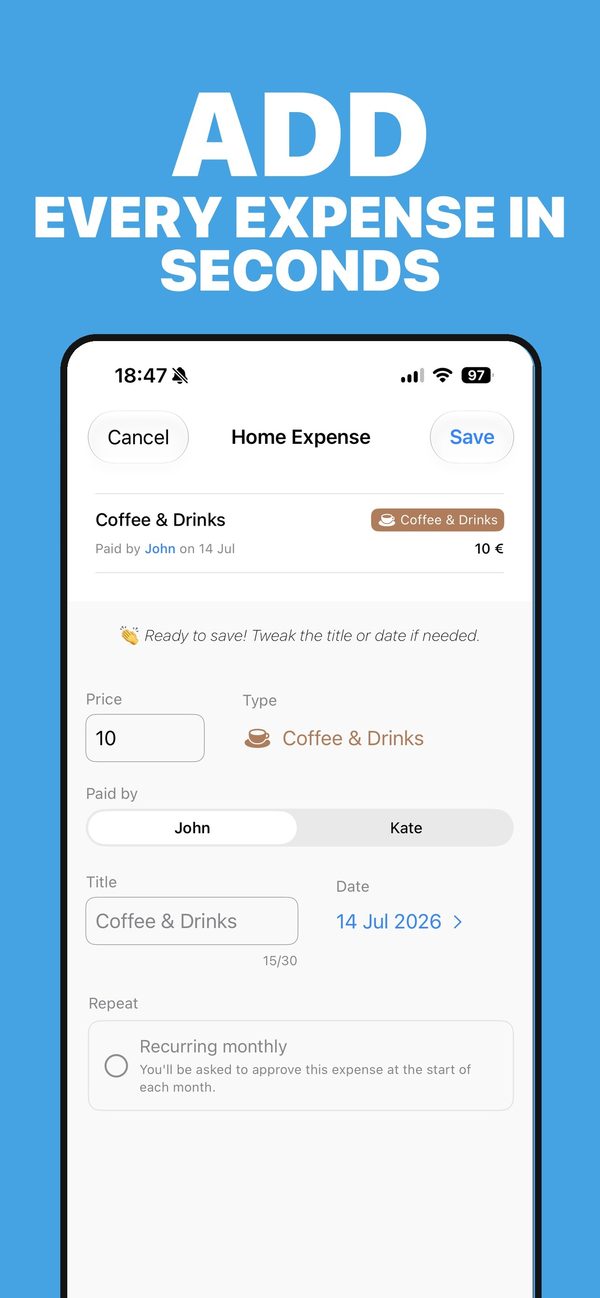
Enter the amount, pick a type like groceries or rent, and choose who paid. Takes a few seconds. See how to track shared expenses.
- Invite your partner
They scan a QR code from your iPhone, and you both see and add the same shared expenses.
- See who spent what
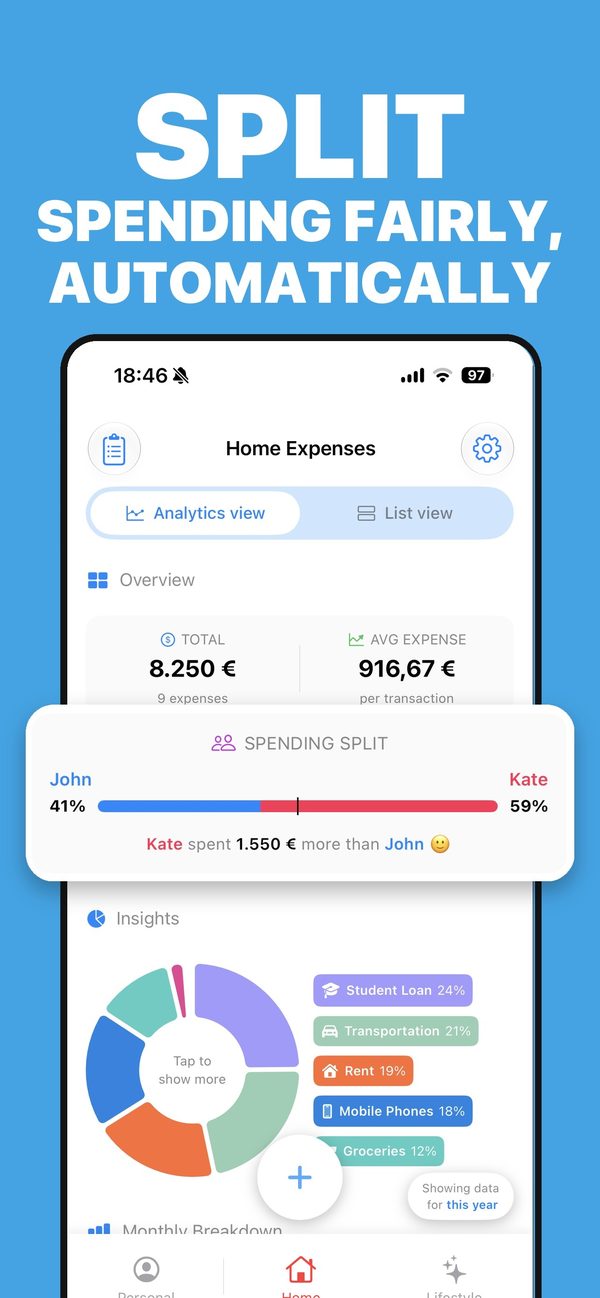
HoneyNest totals what each of you paid and shows the split, like “Ana spent €140 more than Luka”.
- Even it out your way
Use the difference to settle up however you like, or let it guide who pays next. See how to split expenses as a couple.
Take a look
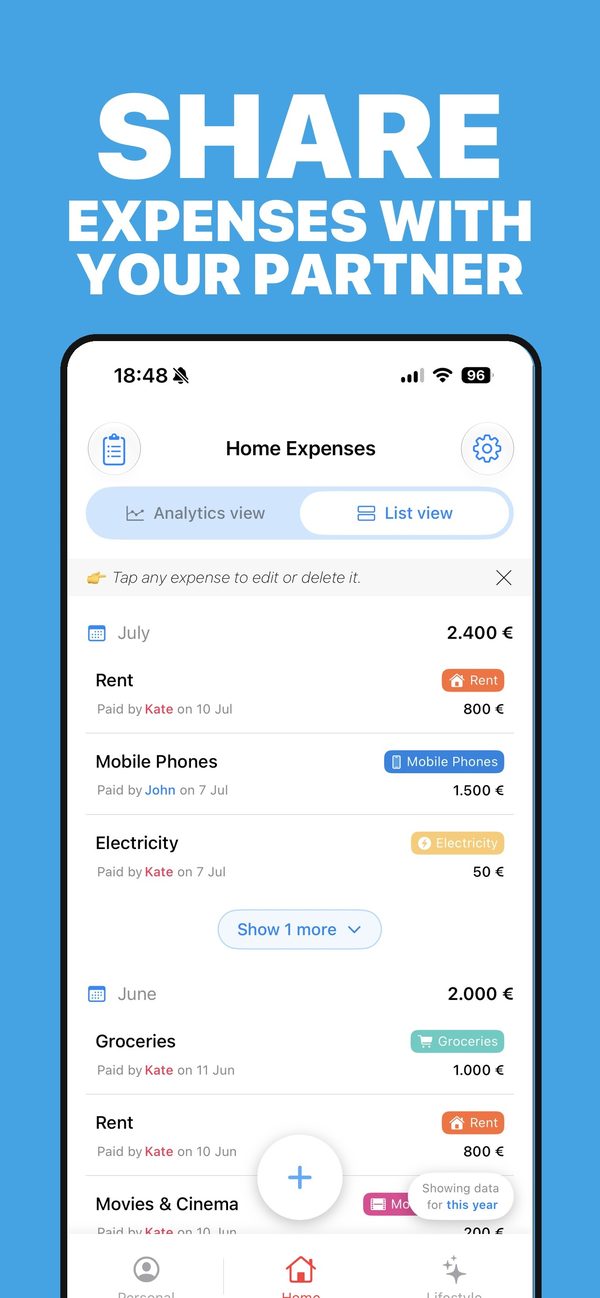
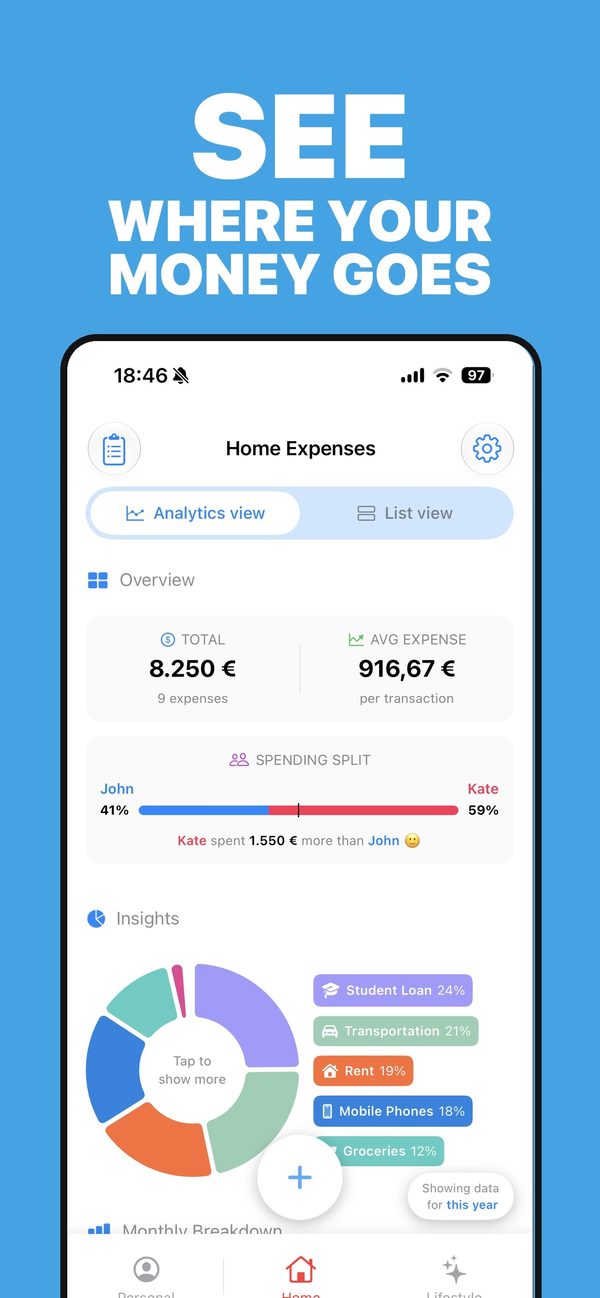
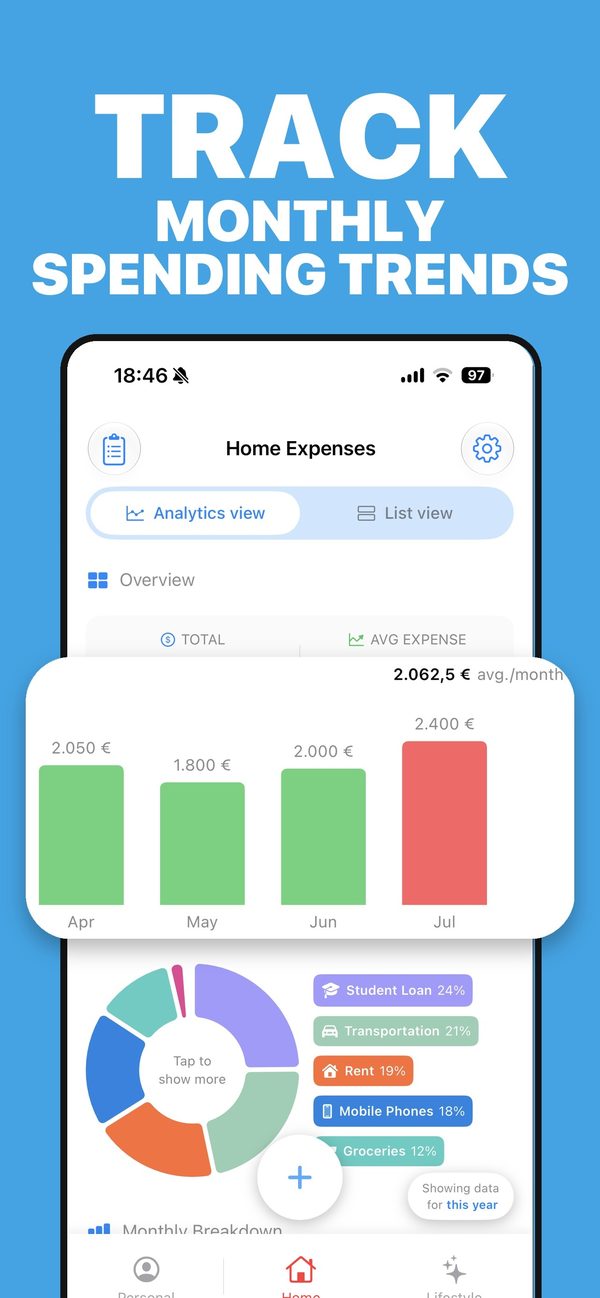
Clear, calm screens for the money you share.
Everything two people need
Built for couples who share a home, a budget, or just the grocery bill.
- Home, Lifestyle and Personal
Shared bills and groceries in Home, date nights and trips in Lifestyle, and your own purchases kept apart in Personal. Works with joint or separate bank accounts.
- Spending split
See how much each of you paid, as amounts and percentages, for any time period you choose.
- Real-time partner sync
Both iPhones stay in sync through iCloud. Invite your partner with a QR code, no sign-up needed.
- Recurring expenses
Rent, subscriptions and bills come back each month for you to approve, edit or skip. See how to split bills with your partner.
- AI insights, on device
A short read on your spending, like your biggest month, generated on your iPhone on supported devices.
- The full picture
Tap the clipboard icon to see Home and Lifestyle together in one summary, for the period you pick. Handy for our couples budget template. Pick from 20+ currency symbols.
Start free. Go Premium when you’re ready.
Tracking, partner sync and the spending split are free, with no time limit. Premium unlocks your complete history.
Free
Everything you need to start
- Unlimited shared and personal expenses
- Partner sync through iCloud
- Spending split and summaries
- Recurring expenses
- Your latest expenses in the list
Premium
Plans and prices shown in the app
- Your complete expense history
- Browse every past month
- Everything in Free
- Supports an indie developer
- New features as we add them
Couples money guides
Practical tips on splitting bills and sharing costs, free to read.
- How to split expenses as a coupleCompare 50/50, proportional, by category and a shared pot, with a worked example.
- How to split bills with your partnerWho pays which bill, variable and yearly bills, and one monthly settle-up.
- Proportional bill splitting by incomeThe formula, a quick calculator and worked examples for different incomes.
- How to split rent with your partner50/50, by income or adjusted for space, plus the deposit and rent increases.
- Joint vs separate bank accountsSeparate, yours-mine-ours or fully joint, with a worked example and questions.
- Couples budget templateFree download for Excel, Sheets or Numbers, with a filled-in example.
Questions
The short answers.
Is HoneyNest free?
Yes. HoneyNest is free to download, and adding expenses, partner sync, the spending split and recurring expenses are all free. Premium unlocks your complete expense history.
How does my partner see the same expenses?
Go to Settings and invite your partner. They scan the QR code on your iPhone with HoneyNest, and from then on you both add and see the same shared expenses, synced through iCloud.
Where is my data stored?
In your own iCloud account. HoneyNest has no sign-up and no servers of its own that store your expenses, and the optional AI insights are generated on your iPhone. Details are in the privacy policy.
Do we both need an iPhone?
Yes. HoneyNest is an iPhone app that syncs through iCloud, so both partners need an iPhone signed in to iCloud to share expenses.
Which currencies does HoneyNest support?
You pick the currency symbol you use, such as $, €, £, ¥, CHF or kr, from more than 20 options. The symbol is for display only, and HoneyNest doesn't convert between currencies.
Questions or ideas?
HoneyNest is made by an indie developer, and every message is read. Write to support@acanalab.com.
No sign-up, no third-party ads, no tracking.